Optimize your Development Environments
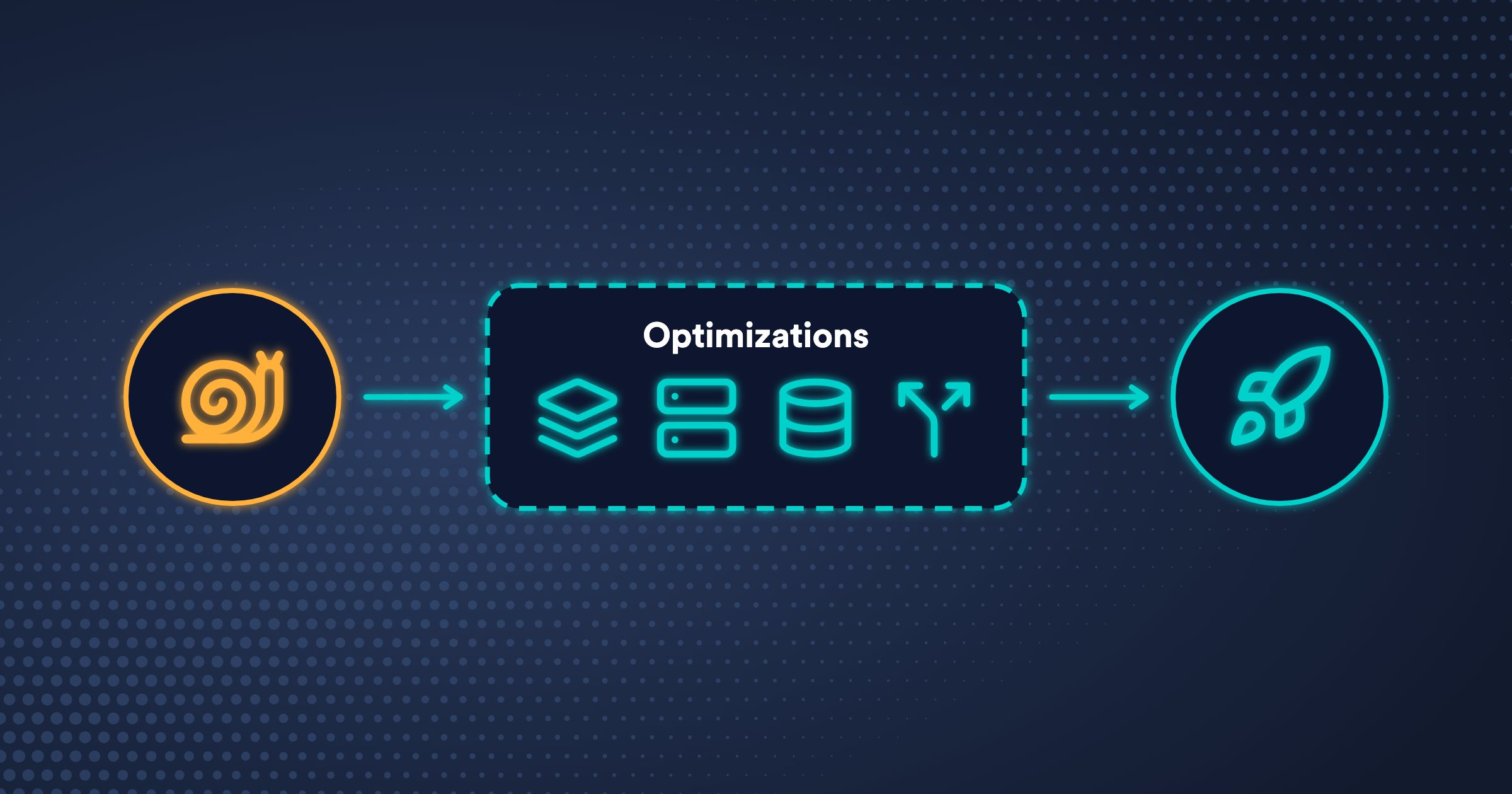
Every minute an environment takes to be ready, someone is waiting: a developer who ran okteto up or opened a pull request, a test suite in CI, an AI agent that wants to check its change. Agents wait the most, because they deploy and test many times a day, often in several environments at once.
That wait has mainly four sources: images that build from scratch, context transfer for remote builds, deploys, and tests, databases filled by seed scripts, and environments with many containers that all have to start. Each section of this page removes one of them, and they add up: an environment whose images are already built, whose files are already in place, whose database starts from a snapshot, and that deploys only the services you change is ready in a fraction of the time.
Fast Builds
The Okteto Build Service builds your images in the cluster with BuildKit. A build is fast when it skips what didn't change and sends only the files it needs.
Smart Builds
Smart Builds skip the build of an image when an image built from the same code and configuration already exists, for example because a teammate already built it. They're on by default in most Git repositories. okteto deploy shows the images it skips:
 i  Okteto Smart Builds is skipping build of 'frontend' because it's already built from cache.
 i  Okteto Smart Builds is skipping build of 'api' because it's already built from cache.
Dockerfile Order
Put the instructions that rarely change first and the ones that change often last, so the build reuses the cached layers up to the first change. Docker's guide on ordering your layers explains it in detail.
# Rarely changes
FROM node:22-alpine
RUN apk add --no-cache bash

# Changes occasionally
COPY package.json package-lock.json ./
RUN npm install

# Changes frequently
COPY src/ ./src
Specific COPY Instructions
Copy only the files the image needs. COPY . . invalidates the cache whenever any file of the folder changes. Docker's best practices for COPY cover the details.
# Avoid
COPY . .

# Use instead
COPY package.json .
COPY src/ src/
Ownership on Copy
Set the owner of files when you copy them instead of changing it afterwards with a recursive command, which rewrites every file into a new layer:
# Avoid
RUN chown -R user:group /app/dist

# Use instead
COPY --from=build --chown=user:group /app/dist /app/dist
Cache Mounts
BuildKit cache mounts keep dependency and compiler caches between builds, so a build reuses the packages and artifacts it already downloaded or compiled. Common caches are the npm or Yarn cache for Node.js, .m2 for Maven, and .cache/go-build for Go.
FROM golang:1.24

WORKDIR /app

COPY go.mod go.sum ./
RUN go mod download

COPY main.go main.go
RUN --mount=type=cache,sharing=private,target=/root/.cache/go-build \
    CGO_ENABLED=0 GOOS=linux go build -o /usr/src/api
Build Context
Every build starts by sending its context, the folder of the Dockerfile, to the Build Service. A .dockerignore file keeps out the files the build doesn't need. Exclude everything, and then include only those files:
# Exclude everything
*

# Include only what the build needs
!Dockerfile
!okteto.yml
!docker-compose.yml
!package.json
!src/**
When a repository has several Dockerfiles, each one can have its own ignore file next to it, such as dev.Dockerfile.dockerignore.
Fast Remote Execution
okteto deploy and okteto test run their commands in the cluster with Remote Execution. Each run sends its context first, and each test run starts from a clean container. Send only the files each command needs, and keep the dependencies of your tests between runs.
Deploy and Test Context
A .oktetoignore file limits the files that okteto deploy and okteto test send to the cluster. It uses the syntax of .gitignore, with a section for each phase:
# Exclude everything
*

# Include only what the deploy commands need
[deploy]
!helm/**
!k8s/**

# Include only what the tests need
[test]
!tests/**
Caches in Tests
Caches keep files between runs of okteto test, so a test doesn't install its dependencies or rebuild its caches every time. Use them for dependencies, such as node_modules or vendor/, and for build caches, such as .m2 or .cache/go-build:
test:
  unit:
    image: node:22
    caches:
      - /usr/src/app/node_modules
      - /usr/src/app/downloaded_assets
    commands:
      - npm install
      - npm test
Data from Volume Snapshots
An environment without data isn't useful, so many teams fill its database with a seed script on every deploy. Seed scripts are slow, because they insert every row one by one, and they get slower as the dataset grows. They break when the schema changes, and the data they create is a handful of fixtures that rarely looks like the data your application handles in production.
Volume Snapshots replace the seed script with a copy of a real database. You take a snapshot of the volume of a database once, for example of a staging database or of a dataset curated for testing, and each environment creates its own volume from that snapshot. Two annotations on the PersistentVolumeClaim of the database are all it takes:
metadata:
  annotations:
    dev.okteto.com/from-snapshot-name: mongo-snapshot
    dev.okteto.com/from-snapshot-namespace: staging
- Faster: the storage of your cluster creates the volume from the snapshot. No script runs and nothing is loaded through your application.
- Realistic: every environment starts with real data, so it catches the bugs that only show up with real data, not with fixtures.
- Consistent: every environment and every test run starts from the same known state. To start over, redeploy the environment.
- Isolated: each environment writes to its own copy, so nobody's changes or tests affect anyone else's data.
The Volume Snapshots docs cover the requirements, how to create snapshots, and how to restore them, and Data Cloning explains how to combine them with Divert.
Smaller Environments with Shared Services
A full copy of a large application in every environment has a cost that grows with the application: every environment waits for dozens of services nobody is changing to build, start, and become healthy, a deploy fails when any of them fails, and every environment reserves the resources of all of them. That cost multiplies with every developer, pull request, and AI agent that needs an environment.
Most changes touch one or two services. With Divert, the full application runs once in a Shared Namespace, and each environment deploys only the services it changes in its own Namespace. Requests that carry the divert header of an environment reach its version of those services, and the shared version of everything else.
- Faster: an environment is ready in the time it takes to deploy the services you change, not the whole application.
- Cheaper: an environment uses only the resources of the services you change, so you can run many more of them, for example one per agent.
- More reliable: a deploy no longer fails because of a service you don't own and aren't touching.
- Up to date: every environment tests its changes against the same shared services, which you keep up to date with your main branch.
A full copy is still the better fit when a change touches most of the application, or when you need control over the version of every service. The Divert docs explain when to use it, how it routes requests, and how to set up the Shared Namespace, and Why flexibility is key to scaling development environments explains the tradeoffs.
Subscribe to our newsletter
What we learn running development environments and coding agents on Kubernetes, in your inbox.
About Okteto
Okteto gives every developer, coding agent and pull request an on-demand environment on your Kubernetes.