Create cloud infrastructure with Terraform
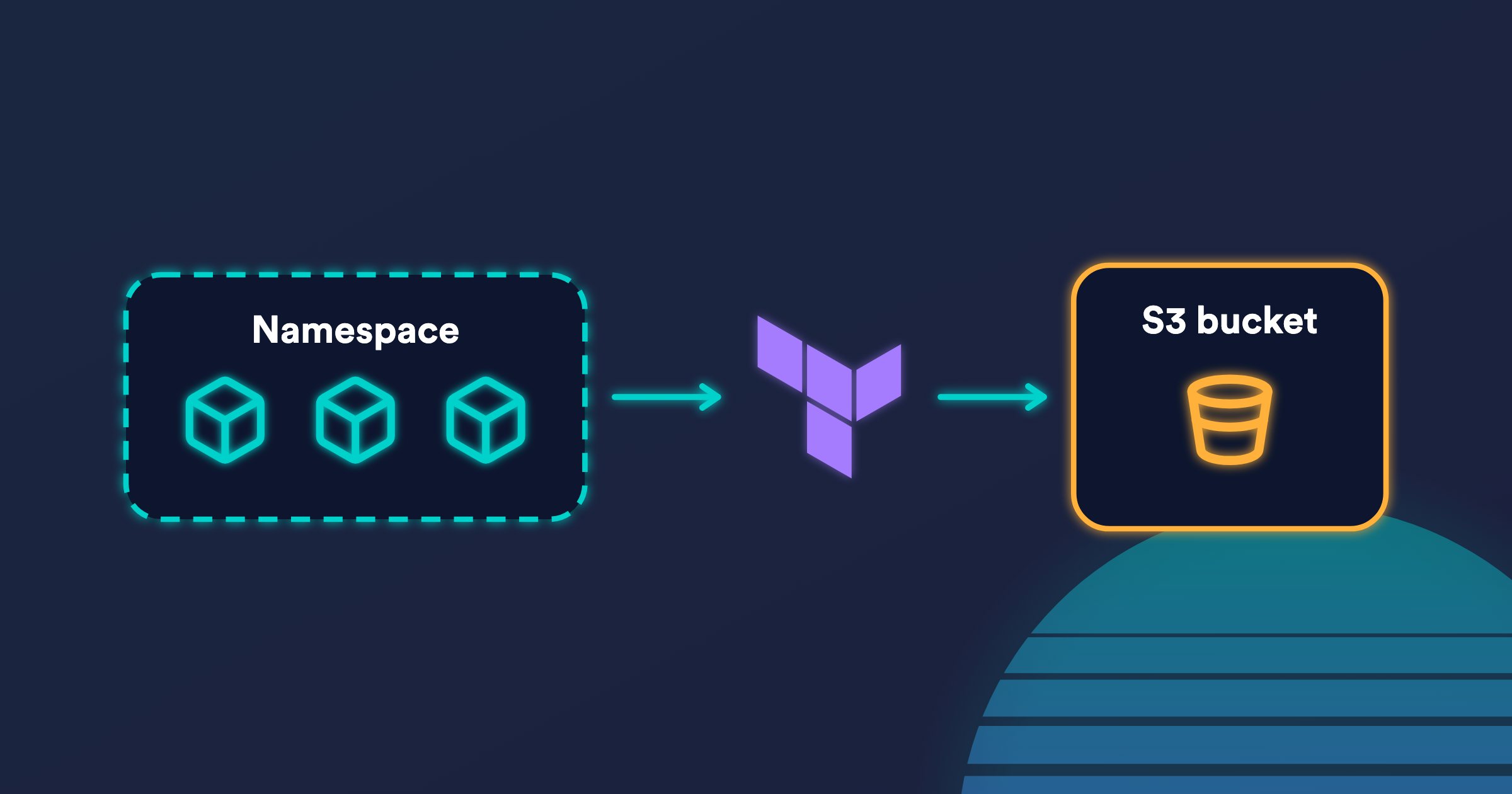
Okteto runs your infrastructure as code in the deploy and destroy commands of the Okteto Manifest, so every environment gets its own cloud resources, such as an S3 bucket or a Lambda function: they're created when the environment is deployed and deleted when it's destroyed. This tutorial creates an Amazon S3 bucket for each environment with Terraform.
Prerequisites
- Access to an Okteto instance, with your Okteto context configured.
- The Okteto CLI installed on your machine.
- An AWS account where you can create IAM roles and S3 buckets.
Cloud Credentials
Your Terraform commands need access to your AWS account. With Cloud Credentials, an Admin connects Okteto to your cloud account once, and Okteto injects temporary credentials into the deploy, destroy, and test commands of every environment. Nobody has to store static access keys in variables or on their machine.
Follow the AWS Cloud Credentials guide to register your cluster as an identity provider in AWS, create an IAM role with access to S3, and configure the role in the Admin Dashboard. Guides for Google Cloud and Microsoft Azure work the same way.
Cloud Credentials are available in the commands that Okteto runs in your cluster. They aren't available inside a Development Container started with okteto up, nor during image builds.
The Terraform Configuration
Create a folder for the tutorial with a main.tf file:
terraform {
  required_providers {
    aws = {
      source  = "hashicorp/aws"
      version = ">= 5.0"
    }
  }

  # Store the Terraform state in a Secret of the environment's Namespace
  backend "kubernetes" {
    secret_suffix = "s3-bucket"
  }
}

variable "bucket_name" {
  type = string
}

variable "region" {
  type    = string
  default = "us-east-1"
}

provider "aws" {
  region = var.region
}

resource "aws_s3_bucket" "bucket" {
  bucket        = var.bucket_name
  force_destroy = true
}

output "bucket_name" {
  value = aws_s3_bucket.bucket.bucket
}
The kubernetes backend stores the Terraform state in a Secret of the Namespace where the environment runs, so every environment has its own state and nothing else to configure. force_destroy lets Terraform delete the bucket even if it isn't empty.
Deploying the Infrastructure
Create an okteto.yaml file next to main.tf:
deploy:
  image: hashicorp/terraform:1.17
  commands:
    - name: Create the S3 bucket
      command: |
        export KUBE_CONFIG_PATH="$KUBECONFIG" KUBE_NAMESPACE="$OKTETO_NAMESPACE"
        terraform init -input=false
        terraform apply -input=false -auto-approve -var "bucket_name=${OKTETO_NAMESPACE}-okteto-tutorial"
        echo "S3_BUCKET_NAME=$(terraform output -raw bucket_name)" >> "$OKTETO_ENV"
imageis the container image the commands run in. Okteto runs them in your cluster with Remote Execution, so you don't need Terraform on your machine.KUBE_CONFIG_PATHandKUBE_NAMESPACEtell thekubernetesbackend where to store the state.- The bucket name includes
$OKTETO_NAMESPACE, so every environment gets its own bucket. S3 bucket names are global across all AWS accounts, so change theokteto-tutorialsuffix if the name is already taken. - The last line writes the bucket name to
$OKTETO_ENV. The following commands of thedeploysection can read it as$S3_BUCKET_NAME, for example to pass it to your application's Helm chart.
Deploy the environment from the folder:
okteto deploy
Okteto runs terraform apply, and the bucket shows up in your AWS account.
Destroying the Infrastructure
Add a destroy section to okteto.yaml, so Okteto deletes the bucket together with the environment:
destroy:
  image: hashicorp/terraform:1.17
  commands:
    - name: Delete the S3 bucket
      command: |
        export KUBE_CONFIG_PATH="$KUBECONFIG" KUBE_NAMESPACE="$OKTETO_NAMESPACE"
        terraform init -input=false
        terraform destroy -input=false -auto-approve -var "bucket_name=${OKTETO_NAMESPACE}-okteto-tutorial"
Okteto runs these commands when you run okteto destroy, when the Namespace is deleted, and when the Garbage Collector deletes an inactive environment, so no bucket outlives its environment:
okteto destroy
Showing the Bucket in the Okteto UI
This step is optional. An external resource shows the bucket next to the rest of the environment in the Okteto UI, with a link to it and your own notes. Add it to okteto.yaml:
external:
  bucket:
    icon: aws
    notes: bucket.md
    endpoints:
      - name: console
Then add a second command to the deploy section that sets the URL of the console endpoint. It goes in its own command because $S3_BUCKET_NAME is only available in the commands that follow the one that writes it to $OKTETO_ENV:
deploy:
  image: hashicorp/terraform:1.17
  commands:
    - name: Create the S3 bucket
      command: |
        export KUBE_CONFIG_PATH="$KUBECONFIG" KUBE_NAMESPACE="$OKTETO_NAMESPACE"
        terraform init -input=false
        terraform apply -input=false -auto-approve -var "bucket_name=${OKTETO_NAMESPACE}-okteto-tutorial"
        echo "S3_BUCKET_NAME=$(terraform output -raw bucket_name)" >> "$OKTETO_ENV"
    - name: Link the bucket in the Okteto UI
      command: echo "OKTETO_EXTERNAL_BUCKET_ENDPOINTS_CONSOLE_URL=https://s3.console.aws.amazon.com/s3/buckets/${S3_BUCKET_NAME}" >> "$OKTETO_ENV"
Okteto reads variables named OKTETO_EXTERNAL_<RESOURCE>_ENDPOINTS_<ENDPOINT>_URL from $OKTETO_ENV to set endpoint URLs that are only known after the deployment. bucket.md is a Markdown file in the same folder, shown in the Okteto UI: use it to explain what the bucket is for.
Other Infrastructure Tools
Terraform is only an example. The same pattern works with any tool that runs in a container: create the resources in deploy, delete them in destroy, and share the values the rest of the deployment needs through $OKTETO_ENV. For example:
- OpenTofu, with the same configuration as Terraform.
- Pulumi, with
pulumi upandpulumi destroy. - AWS SAM, to create a Lambda function for each environment with
sam deployand delete it withsam delete. The okteto/aws-lambda sample deploys a function behind API Gateway and shows its URL in the Okteto UI with anexternalresource. Its IAM role needs access to CloudFormation, Lambda, API Gateway, IAM, and S3. - AWS CloudFormation or the AWS CDK, with the AWS CLI or the CDK CLI.
- Crossplane, applying its resources with
kubectl. - The command-line tools of your cloud provider, such as
aws,gcloud, oraz.
Use the tool's image in the deploy and destroy sections, or your own image with every tool your deployment needs.
Subscribe to our newsletter
What we learn running development environments and coding agents on Kubernetes, in your inbox.
About Okteto
Okteto gives every developer, coding agent and pull request an on-demand environment on your Kubernetes.