Users
Admin > Users lists every account in your Okteto instance: its username, name, email, when Okteto last saw it, and its role. Okteto creates an account the first time someone logs in, and each account counts as a seat, as Licensing and Billing explains.
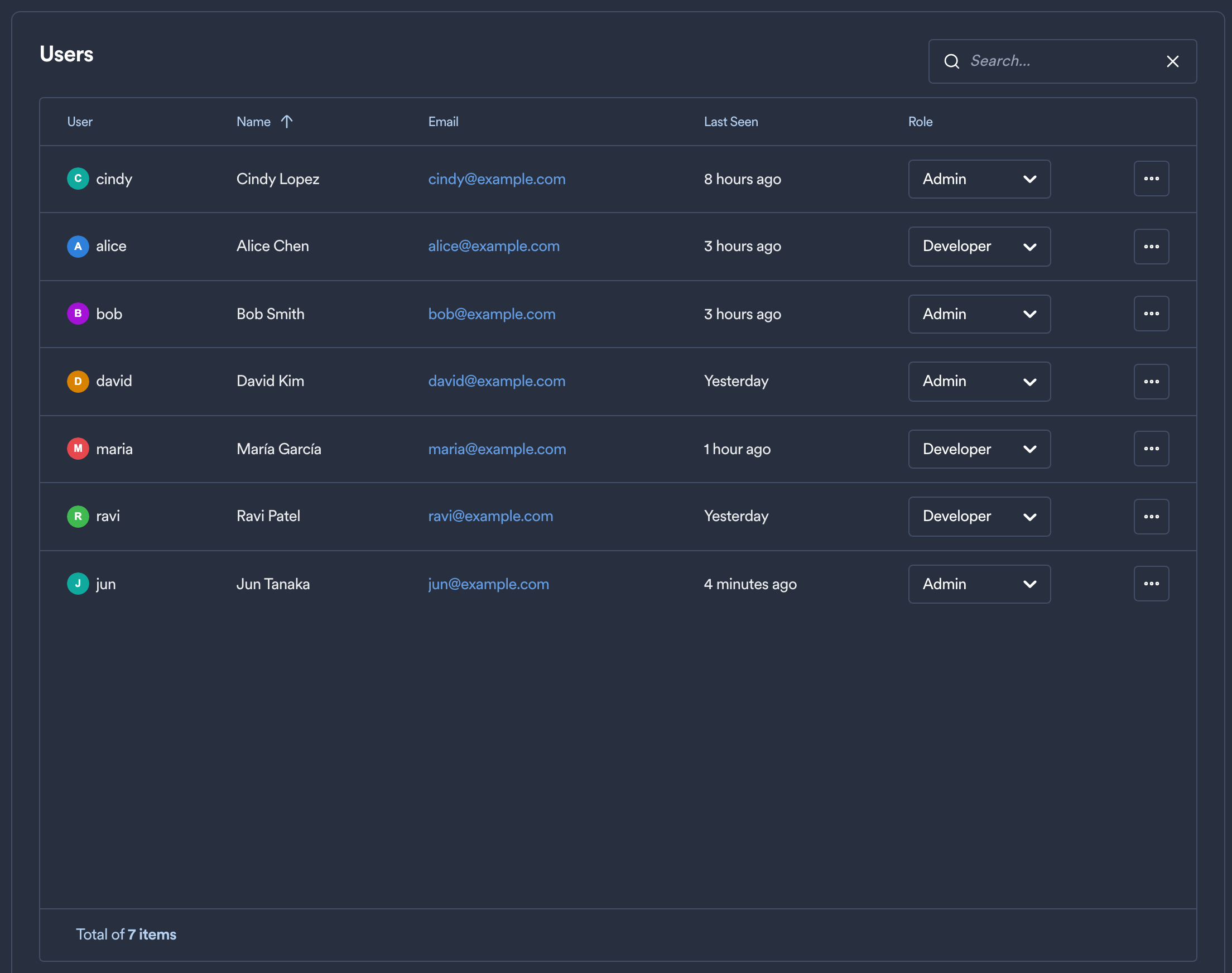
- Last Seen is the last time the user sent a request to Okteto, from the browser, the Okteto CLI, or a CI pipeline such as GitHub Actions.
- Role sets whether the user is a Developer or an Admin. Roles and permissions explains what each role can do.
- Remove, in the menu at the end of each row, deletes the account.
The username is also the name of the user's personal Namespace. For example, the personal Namespace of the user cindy is cindy. The other Namespaces a user creates appear in Namespaces.
caution
Removing a user also deletes every Namespace that the user owns.