Use Tokens as your Authentication Provider
Okteto uses token-based authentication by default, to simplify installing and configuring Okteto.
In this mode, Okteto generates a token for an Admin user. You use it to log in to the Okteto UI and start exploring Okteto without configuring another authentication method first. After you complete your evaluation, switch to another authentication method for your final rollout: token-based authentication isn't meant for production use.
To use token-based authentication, remove the auth section of your Okteto Helm configuration file and upgrade your Okteto instance to apply the new configuration.
Then follow the post-installation notes to log in to the Okteto UI and configure your Okteto CLI with a randomly generated token.
After you log in, you can also invite other users by generating an "Invitation Link" from the Admin -> Users page of the Okteto Dashboard. This option allows you to grant access to other users to continue your evaluation.
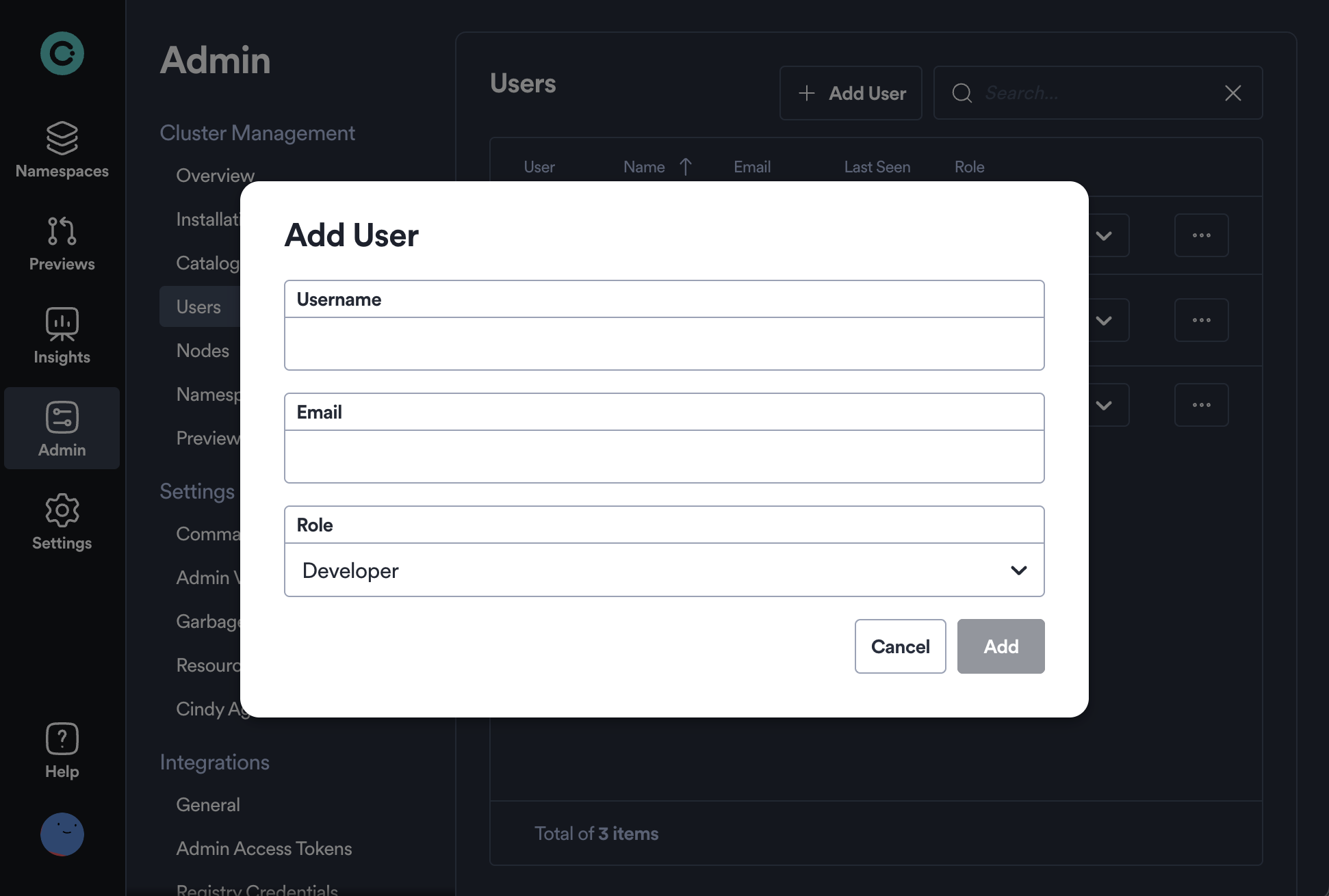
An invitation link will be generated that can be shared with the intended user via a secure method. Please note that Okteto does not send invite emails automatically.
When the user opens the invitation link, they can copy their Okteto token and see how to connect the Okteto CLI.
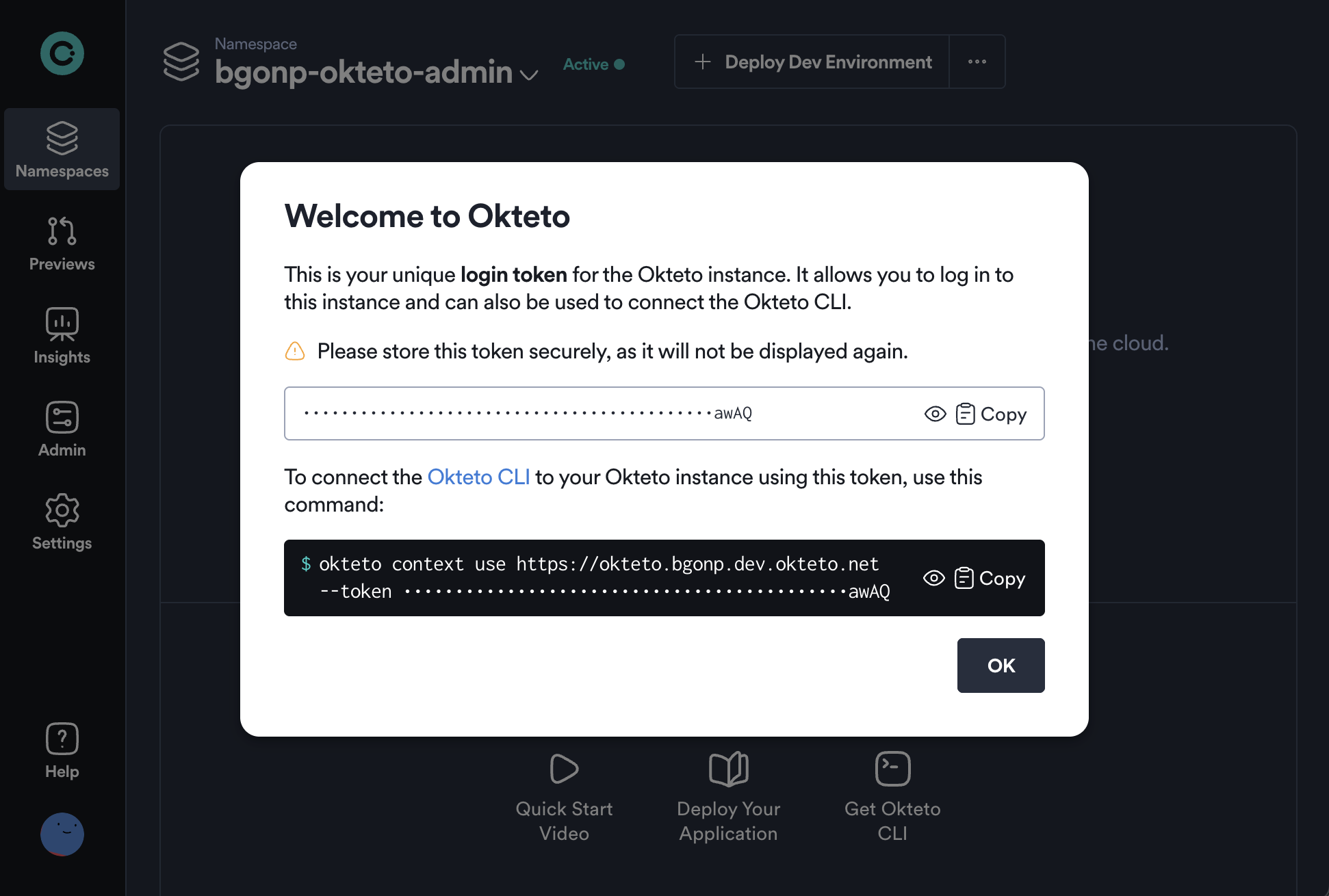
The invite link becomes invalid after its first successful use.
If a user hasn't joined your Okteto instance yet and can't find the invitation, an Admin can view the link again: click the three dots next to the invited user's name, then select View Invite Link.

Retrieve a User's Token
Okteto generates "Invitation Links" in Token Auth mode to allow other users to log in to Okteto. When a user logs in to Okteto via the Invitation Link, a "Welcome screen" is presented showing the user's token. This token can be used to log in from the Okteto UI or using the Okteto CLI.
The welcome screen asks the user to store the token securely.
If the user loses it, a cluster admin can retrieve the token for a given username with the following command:
kubectl get sa -l=dev.okteto.com/external-id=<username> -o=jsonpath='{.items[0].metadata.labels.dev\.okteto\.com/token}'